How to Update or Correct PAN Card Details Online
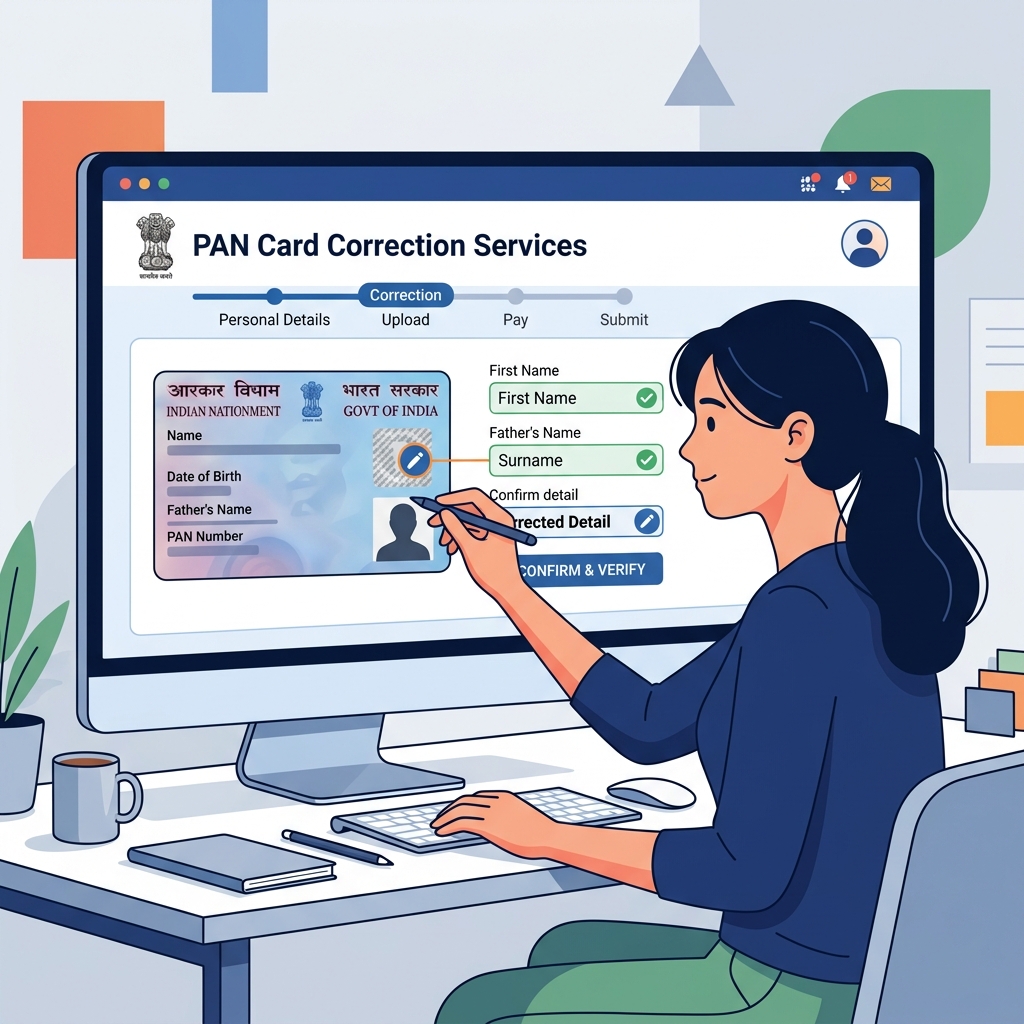
Whether it's a spelling mistake in your name, a wrong date of birth, or you simply want to update your signature or photograph, you can apply for PAN card corrections online through the NSDL (Protean) or UTIITSL portals.
Online Correction Process (via NSDL)
Step 1: Visit NSDL Portal
Go to the official Protean (formerly NSDL) e-Gov website. Select 'Apply Online' under the PAN section.
Step 2: Application Type
Under 'Application Type', select 'Changes or Correction in existing PAN Data / Reprint of PAN Card'. Fill in your basic details to generate a Token Number.
Step 3: Document Submission Method
Choose how you want to submit documents. 'Submit digitally through e-KYC & e-Sign (Paperless)' uses your Aadhaar data and is the fastest.
Step 4: Tick the Corrections
In the form, tick the box on the left margin corresponding to the field you want to correct (e.g., Name, DOB). Enter the correct details in the provided fields.
Step 5: Payment & Authentication
Pay the required fee online. Complete the Aadhaar e-KYC or upload scanned copies of proof documents as selected in Step 3. Note down the 15-digit acknowledgement number to track status.